
Start with the job, not the layout
Before changing fonts, colors, or templates, read the posting. Identify the responsibilities, tools, skills, and work context that matter most. Then look for real evidence of those points in your own experience. A list of adjectives cannot show what you actually did.
This does not mean rewriting your story for every application. Choose which true parts of your experience deserve to appear first. If a design role calls for components and a design system, and you have worked on both, make those projects and tools easy to find.
Describe work people can picture
Statements such as “responsible for various tasks” take up space without saying much. Prefer an action, its context, and a result when you have one. A result can be an organized process or a deadline met, not just a percentage. Include numbers only when you can verify them.
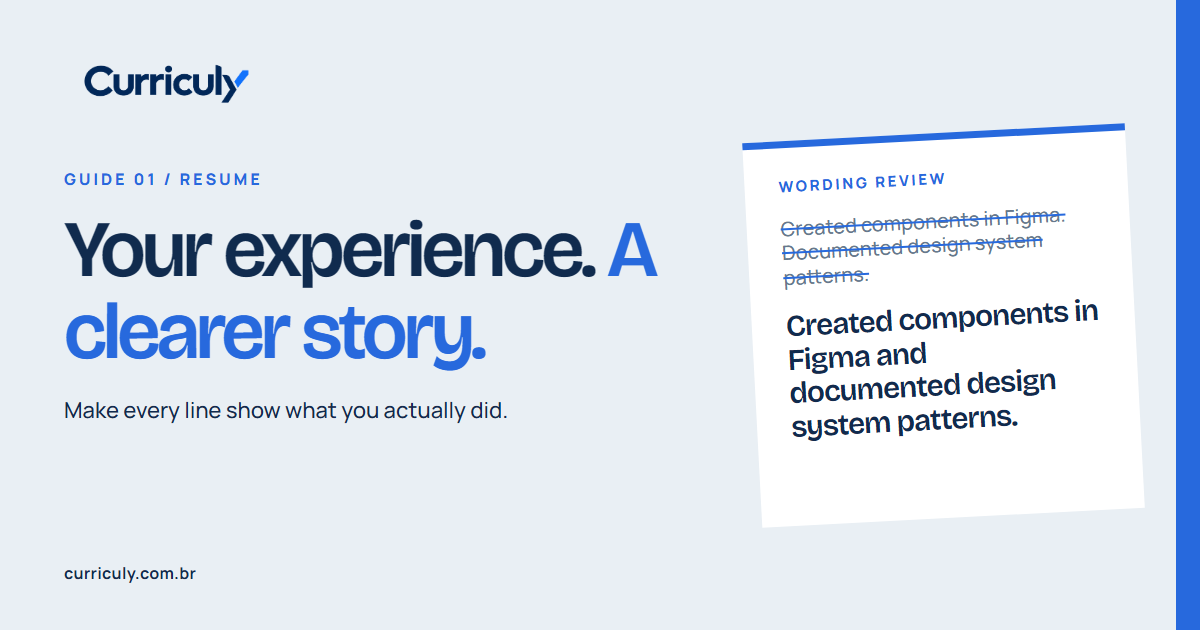
Before
Responsibilities: creating Figma components and documenting design system patterns for reuse in new screens.
Clearer
Created reusable Figma components and documented design system patterns for new screens.
If you do not have metrics, do not invent them. A specific, honest description is stronger than an impressive number without evidence.
Make it easy to read
Use familiar section headings, consistent dates, and an order that helps readers find experience, education, and skills. A polished PDF can still be hard to parse if its text is embedded in an image. Check that you can select the text and review fields filled by the application site.
There is no universal page count. Length should reflect your career and the role, without repeating similar tasks across jobs. The first part should quickly answer what role you want, what experience supports it, and which skills matter here.
Review more than spelling
Read your resume as someone unfamiliar with your career. Internal acronyms, project names without context, and vague descriptions make readers guess. Ask someone what role your resume appears to target. If the answer differs from the job you want, sharpen its focus.
You can get your resume ready for a job first. For feedback based on your own case, Curriculy's free analysis compares your resume with the role and suggests clearer wording for you to review.
Curriculy uses advanced AI to analyze experience in context and suggest clearer wording, including your professional summary. The process includes consistency checks against the information provided; you personalize the final version before using it.
Import a public job from Greenhouse, Lever, SmartRecruiters, Workable, Ashby or Himalayas, or paste its description. Review and edit it before starting analysis. If the source is unsupported or fetching fails, paste the text; you can also continue with only the role for general guidance.
Share this guide