
Choose one central idea
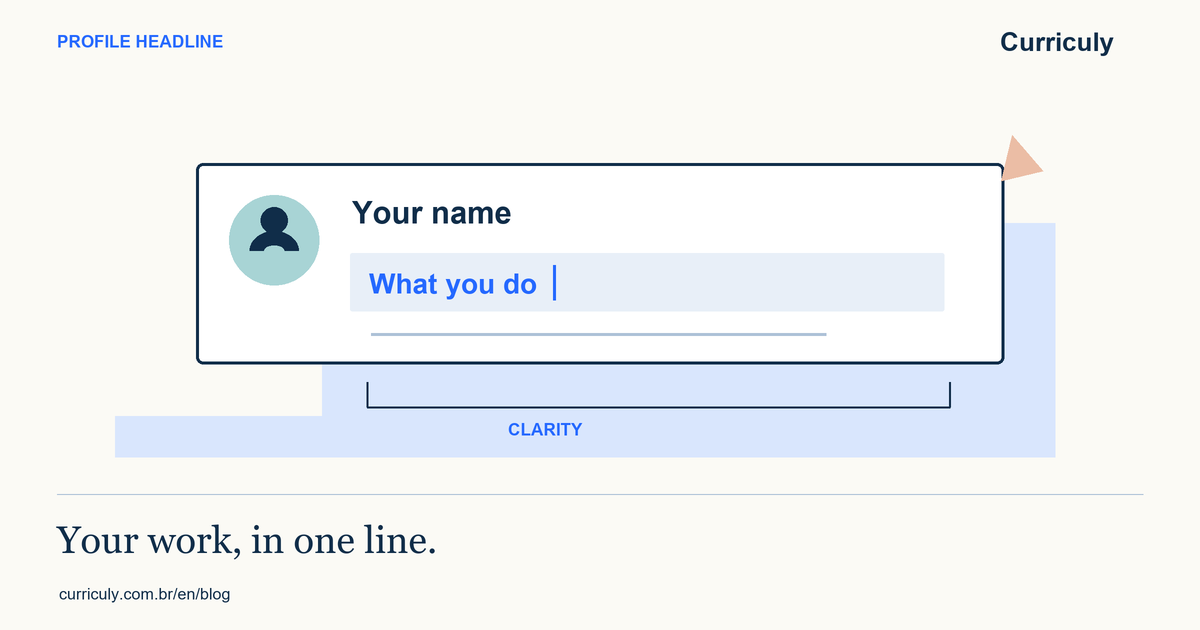
Your headline appears below your name. LinkedIn Help explains that it can differ from your current job title. That lets you summarize your work, but does not turn occasional involvement into a role you never held.
Start with a description another person can recognize. Add context when a technical term is necessary. A string of tools without an activity or purpose may make your work harder to understand.
Use examples as structure, not credentials
This example is synthetic and assumes real customer-service and request-management experience. Replace the details with your own history; do not copy skills or responsibilities you do not have.
Describe a transition accurately
When starting in a field, you can mention education, study or a project you actually completed. A course is different from professional experience. Preserve that distinction while giving real work its due.
Read the headline alongside About and experience. A word may imply a level of responsibility that the rest of the profile does not support. Check the preview on LinkedIn, because wrapping and presentation vary by screen. No headline guarantees visibility or hiring.
Share this guide